README Generator
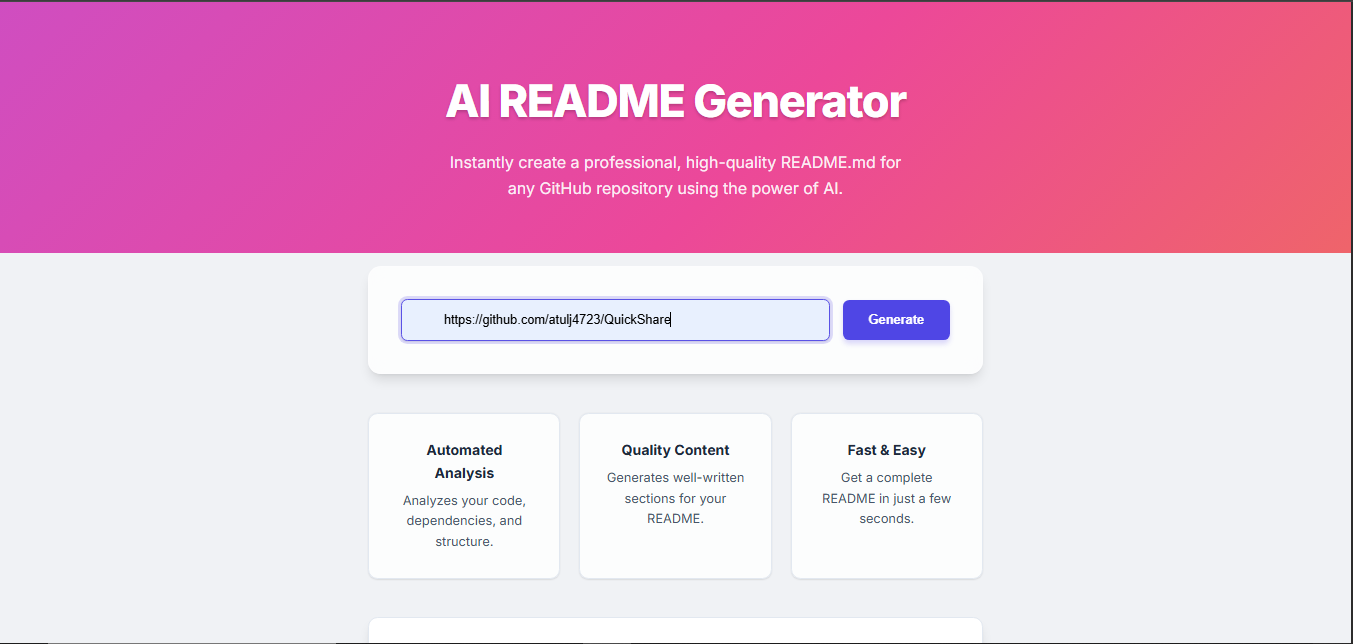
An automated tool to generate comprehensive and well-structured README files for your projects.
Project Story
I noticed that many developers, including myself, often neglect to create a good README file for their projects. A well-written README is crucial for making a project understandable and accessible to others. To solve this problem, I created a tool that automates the process. By simply providing a GitHub repository URL, the tool fetches the necessary information, analyzes the code, and generates a detailed README with sections for the project title, description, features, technologies used, and more. This project was a great way to practice working with the GitHub API and learn more about code analysis and documentation best practices.
Problem Solved
This tool saves developers time and effort by automatically generating a professional README.md file based on the project's repository, ensuring that all essential information is included and properly formatted.
Technical Sheet
Technologies
Key Concepts
- GitHub API Integration
- File System Operations
- Template Engines (EJS)
- Server-Side Logic
- Automation
Architecture
A simple web application built with Node.js and Express.js. The frontend is rendered using EJS templates. The backend fetches data from the GitHub API, processes it, and generates a README file, which is then displayed to the user.
Highlights
Features
Automatic README Generation
Generate a complete README.md file with a single click by providing a GitHub repository URL.
Comprehensive Information
The generated README includes all the essential information, such as the project title, description, features, technologies used, and installation instructions.
Customizable Templates
The tool uses EJS templates, which can be easily customized to fit your specific needs and preferences.
Challenges
Extracting Relevant Information from the Repository
I used a combination of the GitHub API and regular expressions to extract the most relevant information from the repository, such as the project name, description, and the technologies used.
Formatting the README File
I used EJS templates to create a well-structured and properly formatted README file. This allowed me to separate the content from the presentation and make the code more maintainable.
My Contributions
- Developed the entire application, including the frontend, backend, and GitHub API integration.
- Designed the logic for fetching and processing repository data.
- Created the EJS templates for generating the README file.